
INDUSTRY
Displays for daily life in retirement and long-term-care residences
A retirement or long-term-care residence is first a place to live, with shared rooms visited by families and used by staff every day. Information at the entrance, in a lounge and beside an activity room serves different audiences. Spectracolor plans displays around the residence’s layout, viewing conditions and information roles, so communal messages remain clear without treating every screen as a clinical or administrative system.
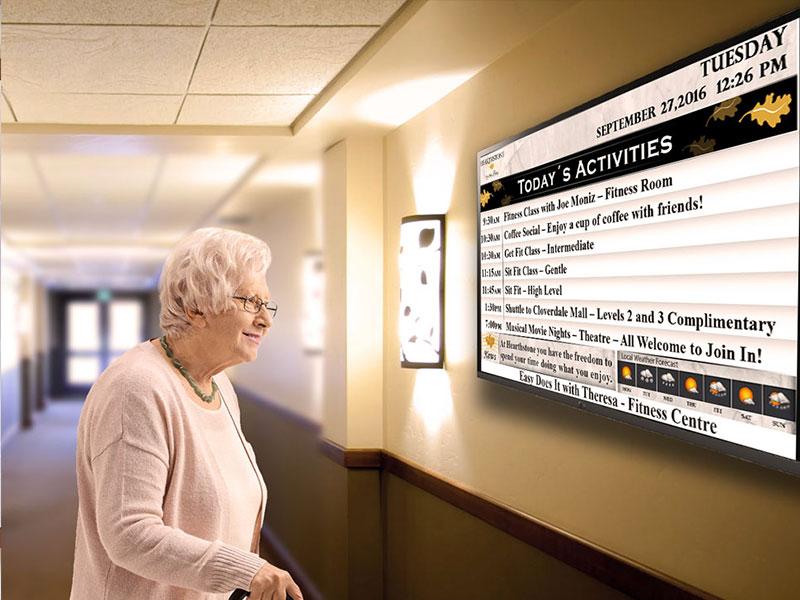
Place information where people need it
At reception, visitors may need the residence name, directions to shared areas and general visiting information. Residents may look for a dining time or activity notice nearer the spaces they use. Staff and service providers need different information from visitors. Map each proposed location to its audience and decision point. In a building with several floors or shared destinations, a digital building directory may help present shared destinations, floor information and visitor orientation; in a compact residence, a simple sign may be sufficient.
Share the rhythm of daily life
Communal displays may present operator-supplied activity schedules, dining times, residence notices or event information. In a lounge or activity room, a local screen can show the next gathering without making that message the focus of every corridor. Dining-area information can state meal times and service notices. Digital signage can distribute approved information to defined shared zones, but the residence decides what belongs on each display. Displays may present activity, dining or residence information supplied by the operator, while scheduling, care-management and resident-record systems remain outside the display scope unless specifically included in the project brief.
VISUAL REFERENCES
Real display environments
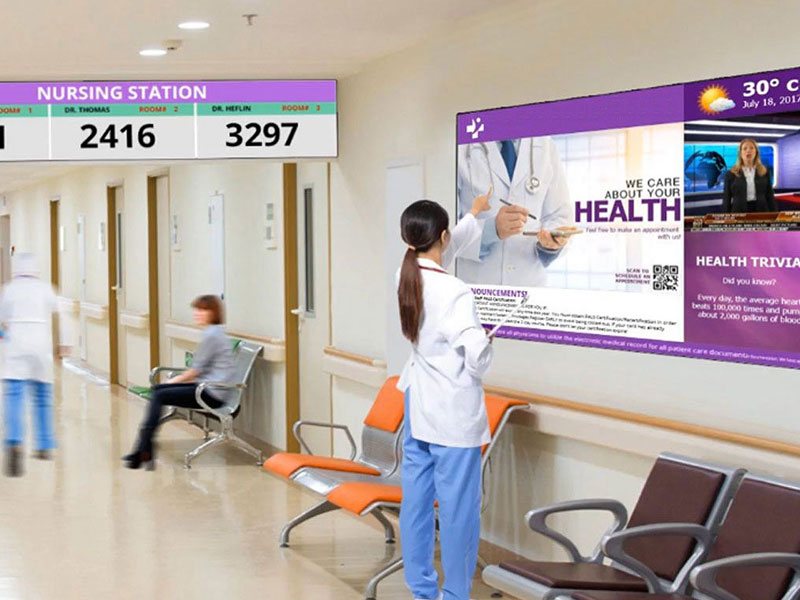
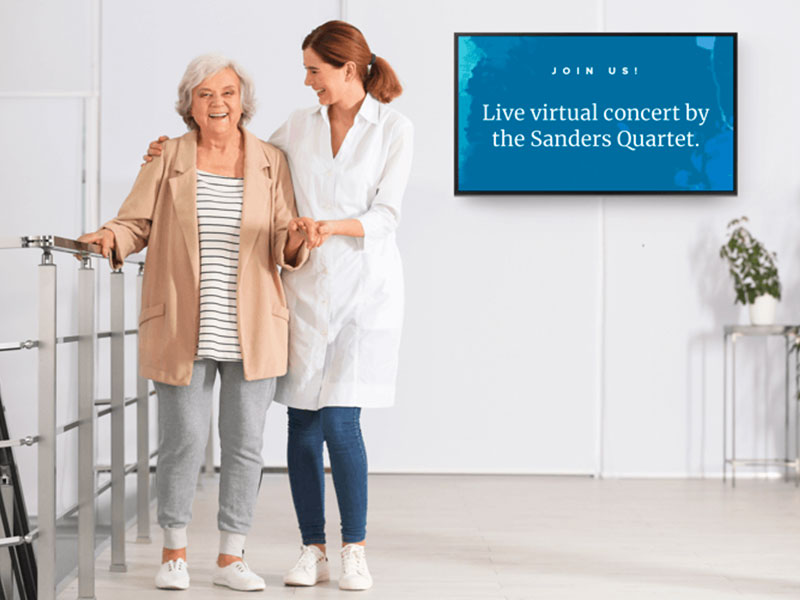
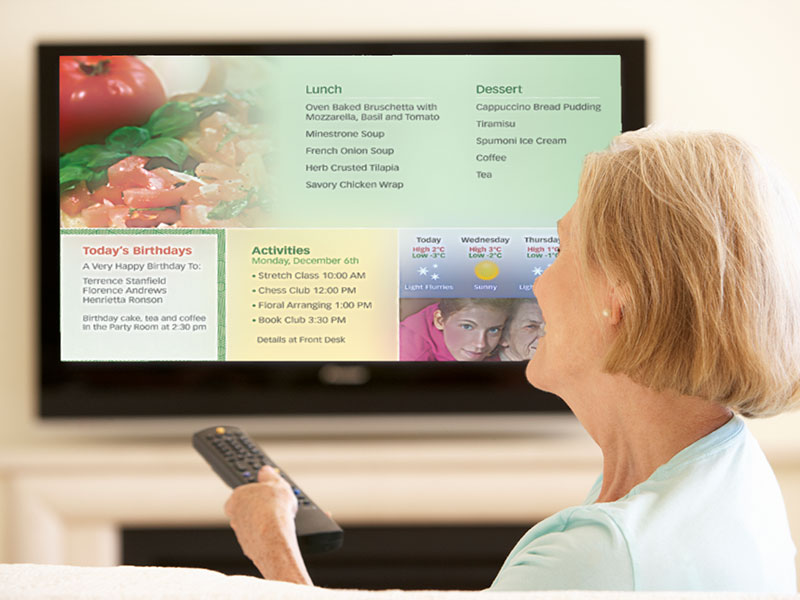
Make clarity the visual priority
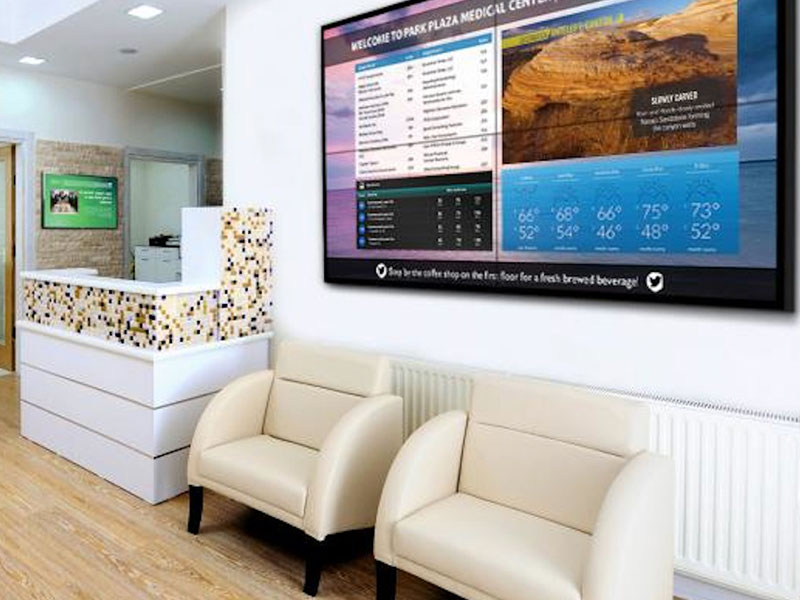
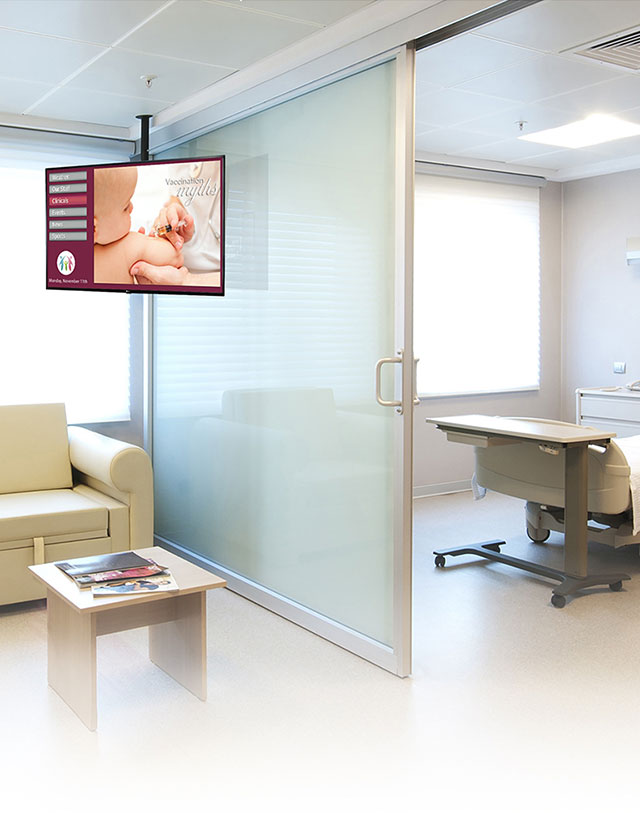
A calm presentation begins with information hierarchy: one clear purpose per message, type that can be read at the intended distance and enough contrast against the background. Test letter size, line length, content density, mounting height, reflections and ambient light from likely viewing positions. A larger reception display may suit the room; a smaller commercial screen can suit close-view notices in lounges, dining and activity spaces. Choose the screen for the message and the space, not maximum visual impact.
Keep shared screens appropriate
Public and communal screens should carry information suitable for everyone who can see them, including family visitors. Personal resident details should not be assumed appropriate for an open lobby display. Agree who supplies, approves and changes messages, and how outdated notices are removed. The display is not a resident-record or monitoring system.
Work with residential interiors
Finished walls, furniture, decorative interiors and limited mounting space affect where hardware can sit. Check wall or ceiling support, power and cable routes, ventilation, equipment locations, concealment and service access before choosing a format. An engineered display solution may be appropriate where mounting or routing requires non-standard coordination. Do not assume a feature wall is appropriate.
Install around an occupied residence
Installation may take place while the residence remains occupied. Plan delivery routes, work-area separation and sequences around resident circulation, scheduled activities and agreed quiet hours. Confirm access with the operator, contractor and maintenance team rather than assuming rooms can be cleared at any time. Agree when equipment can be brought in and what access will remain for later servicing.
Keep standards useful across residences
Operators with several residences can define common information categories for dining, activities, visitor guidance and general notices. Each building still has its own architecture, screen sizes, routes, ambient light and operating constraints. Set shared visual rules and content ownership, then assess locations and maintenance needs site by site. Consistency does not imply identical hardware or a centralized software platform.
NEXT STEP
Discuss your residence
Share the residence type and site count, proposed display areas and intended information. Photos or drawings, approximate screen dimensions and likely viewing distances, mounting conditions, operating hours, quiet or access constraints and maintenance access will help scope a practical discussion.
Talk to Spectracolor →