
INDUSTRY
Displays for corporate reception and shared spaces
Reception, office floors and shared spaces serve different audiences. An entrance display may carry a large visual message, while a screen beside a lift may present a department name or timely notice at close range. Spectracolor plans displays around each zone's audience, viewing conditions and purpose instead of repeating one format across the building.
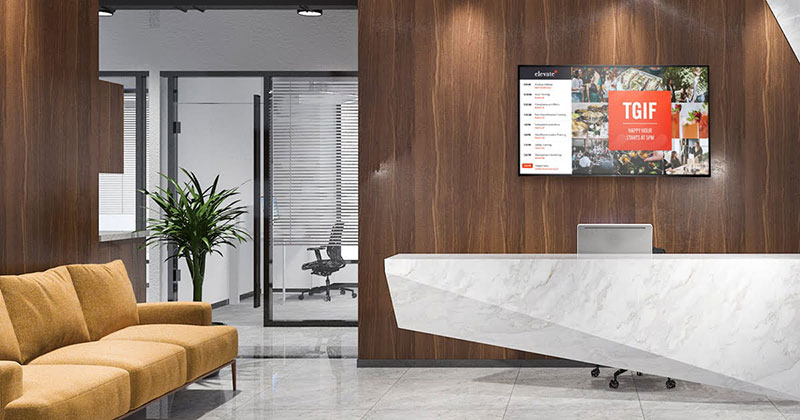
Give each workplace zone a clear role
Reception and lobby displays can present corporate identity, visitor messages, announcements and major communications. Their scale should follow the space and the distance from which people will read them. Sightlines, daylight, glass reflections and finishes affect where a display belongs and how bright it should appear.
On office floors, screens may carry company updates, event information, operational notices or appropriate internal campaigns. These are read more closely than a lobby feature. Corridors, cafeterias and shared facilities may each need a different message priority. Decide who the screen addresses, what takes precedence and who owns the content before choosing the display format.
For larger offices, multi-tenant buildings and campuses, digital building directories can organize floor and department information and support visitor orientation. A directory needs legible text at a decision point; it need not be the largest screen in the building.
Choose the display for the viewing task
Indoor LED displays may suit a headquarters lobby, feature wall, large presentation area or gathering space where content is viewed across a room. Screen dimensions, pixel pitch and brightness should follow audience position, viewing distance, content detail and ambient light. A larger or finer-pitch LED surface is not automatically the right answer for every workplace.
Close-view commercial displays may be better for detailed notices, directories and smaller office areas. In meeting and presentation spaces, a display can show relevant material, but conferencing, room booking and control platforms are separate system requirements unless explicitly included in the project scope.
VISUAL REFERENCES
Display environments

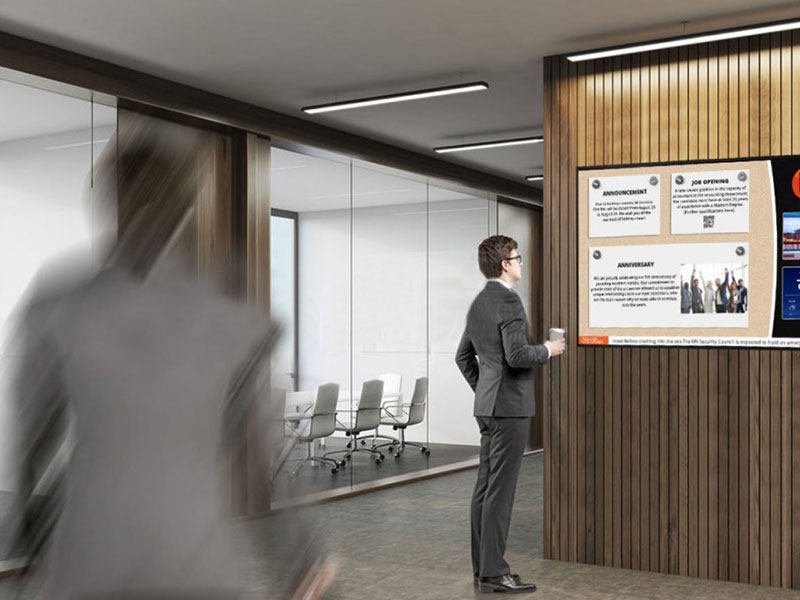
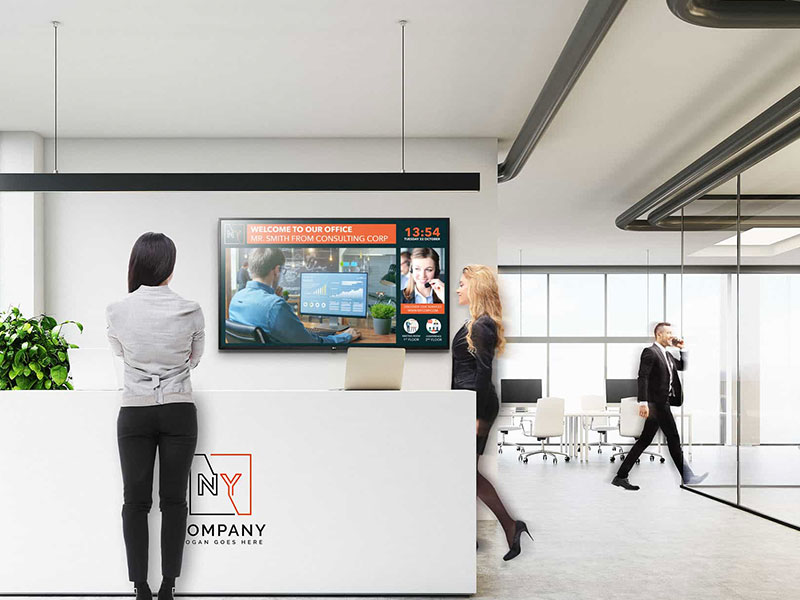
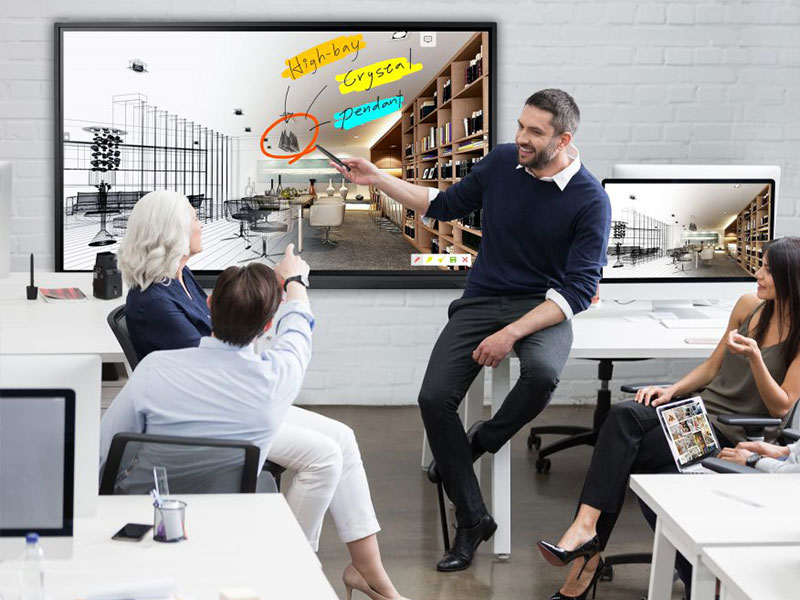

Coordinate messages across offices
A digital signage plan can define the purpose of screens across reception, employee areas and shared facilities without assuming every location shows the same content. Identify messages for visitors, employees, tenants or event attendees; set their relative priority; and assign content ownership. Set these rules in the content brief before selecting software or controls.
For groups with several offices, common visual standards and information hierarchy can make display purposes recognizable across sites. Each installation still needs to fit its own architecture, screen dimensions, lighting, mounting position and viewing distance. A small floor notice and a large lobby message can follow the same communication rules while using different hardware and layouts.
Plan for an occupied workplace
Installation in an operating office may require coordination around working hours, common areas, lift and delivery access, noise, dust, other trades or phased refurbishment. Confirm these constraints with the site team before deciding how equipment will be brought in, mounted and serviced.
For deeper technical delivery, see our engineered solutions approach. For the corporate brief, establish wall or ceiling conditions, supporting structure, power, signal and data routes, ventilation, control-equipment locations and cable paths early enough to avoid conflicts with finished interiors. Glass, polished surfaces and bright atriums also call for checks of reflections, contrast and screen position; brightness alone does not remove glare or visual distraction.
Leave practical access after furniture and finishes are installed. Depending on the system, that may mean front or rear service clearance, room to replace display components, and access to controllers and power equipment. A visually tidy installation should remain maintainable during normal office use.
NEXT STEP
Share your workplace display brief
Tell us the office or site type, number of locations, intended display zones, dimensions, viewing distances and expected content. Drawings or photos, mounting conditions and operating or access constraints will help frame the discussion.
Talk to Spectracolor →