

INDUSTRY
Display systems for property sales galleries and development presentations
Real estate projects need more than a screen showing a logo. A development presentation has to help people understand the place, imagine how it will feel and move confidently from first impression to a useful conversation. Spectracolor can help property teams plan LED and digital display systems around the scale of the development, the viewing distance and the stage of the project.

PRESENTATION
Present the development clearly
Use large, high-impact visuals to introduce the architecture, location, amenities and identity of a development. A considered display can bring plans, renderings, films, maps, material palettes and key project information together without making the sales environment feel crowded. Content can be arranged so that a passer-by receives a quick overview while a visitor who stays longer can explore more detail with a consultant.
SALES GALLERY
Shape the sales-gallery experience
Sales galleries often combine physical models, printed plans, sample materials and digital storytelling. Screens should support that experience rather than compete with it. We consider sightlines, ambient light, viewing distance and the position of the model or presentation table before recommending a format. The result can be a clear visual hierarchy: a welcoming overview at the entrance, a large project story where groups gather and close-view information where a visitor needs to study plans or finishes.
DISPLAY SCALE
Match display scale to the viewing task
Large-format LED surfaces work well for launch films, masterplans, district views and brand moments that need to be understood across a room. Not every sales gallery needs an LED wall; the display should earn its place within the model, materials and conversation. Close-view areas may call for finer detail, readable labels and a consistent image across several panels. The right choice depends on the room, the distance between the viewer and the screen, brightness, content format and how the display will be maintained. This approach can include indoor LED displays for premium lobbies, showrooms, sales suites and presentation rooms.
GUIDED EXPLORATION
Support guided exploration with clear boundaries
Interactive touchpoints can help visitors browse a development story, compare building options, review amenities or find the next conversation point. Digital kiosks may be useful in a sales gallery, experience centre, reception area or temporary launch space when the journey and content are clearly defined. Display content can be revised as project information changes, while live availability, CRM, reservation, payment, lead-capture or property-database integrations must be separately defined where required. Spectracolor can plan the display hardware, enclosure, installation interfaces and content handover requirements without implying that a property platform is included by default.
WINDOWS
Use agency windows and storefronts carefully
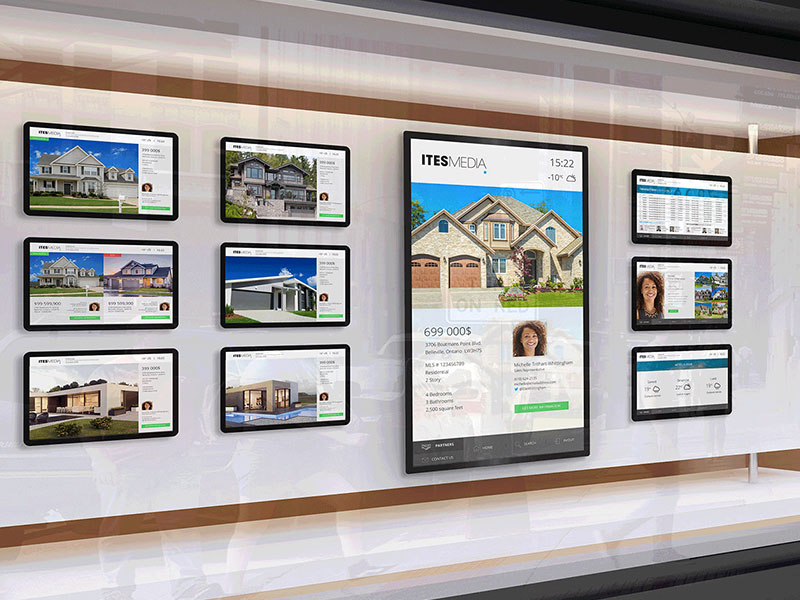
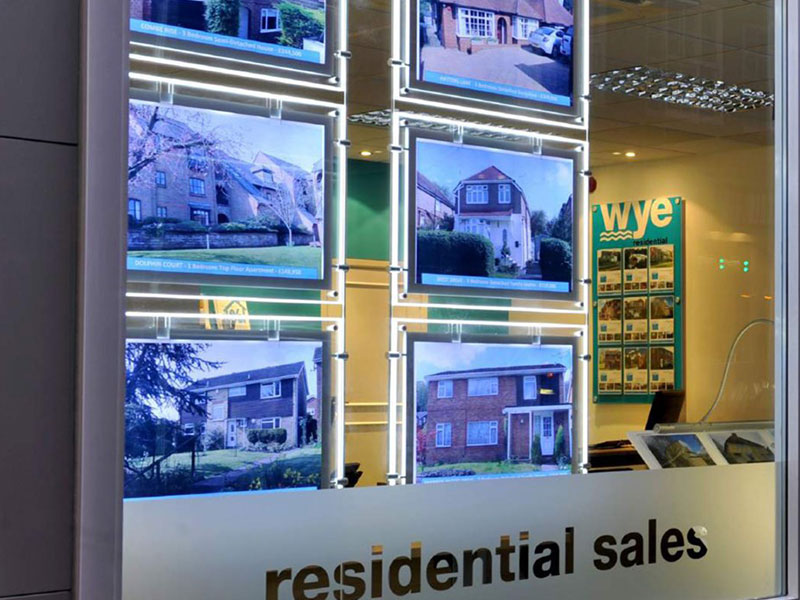
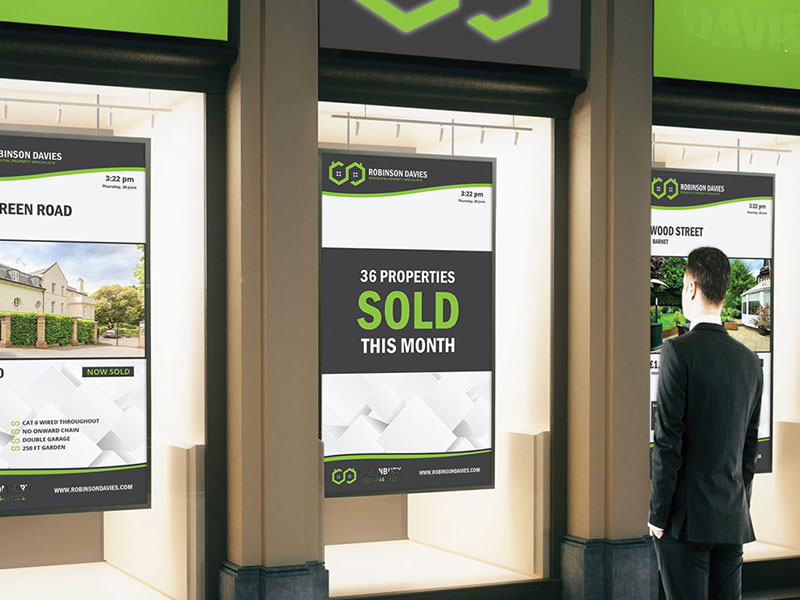
An agency or developer window can communicate a project after hours as well as during staffed opening times. Digital window displays should be selected for the glazing, daylight, viewing angle and local brightness conditions. They can present a concise project identity, launch message or enquiry prompt while keeping the street-facing composition legible. A separate content plan helps the window remain useful when a campaign, phase or featured development changes.
PROJECT PHASES
Plan for project phases and installation conditions
The display brief may begin with a temporary launch installation and later move into a permanent sales or reception environment. Early coordination should cover mounting, power, ventilation, access, structural conditions, delivery routes and the timing of fit-out works. An engineered display solution is especially important when a screen must share space with a model, signage, lighting or architectural finishes. A phased plan allows the team to agree what is installed now, what can be expanded later and who owns updates at each stage.
STANDARDS
Keep standards consistent across projects
Property groups and agencies may present several developments in different locations. A repeatable visual system makes it easier to maintain brand standards while adapting the screen size, brightness and content structure to each site. We can document the display zones, content approach, maintenance access and handover expectations so future teams have a practical reference rather than starting from scratch.
VISUAL REFERENCES
Real display environments
NEXT STEP
Share your property display brief
Tell us about the development, the audience, the space and the project phase. We can help define a display system that supports the visitor journey, respects the architecture and leaves room for the content plan to evolve.
Talk to Spectracolor →