

INDUSTRY
Public-facing displays for school and university campuses
On an education campus, the same message does not belong on every screen. Students may need a service notice, visitors a building name, and staff operational information. Spectracolor plans display locations for universities, colleges, schools and training institutions around audience and viewing distance. Public-facing displays should support orientation and communication without becoming teaching or administrative systems.

Map information to the place
At a campus entrance, reception desk or main lobby, visitors and prospective students may need building identification, department locations and event notices. In a library, student-service area or faculty building, shorter local information may be more useful. Identify who approaches each display, how long they can read it and which information belongs there. A screen can assist orientation; it does not, by itself, manage visitor movement.
Make buildings easier to understand
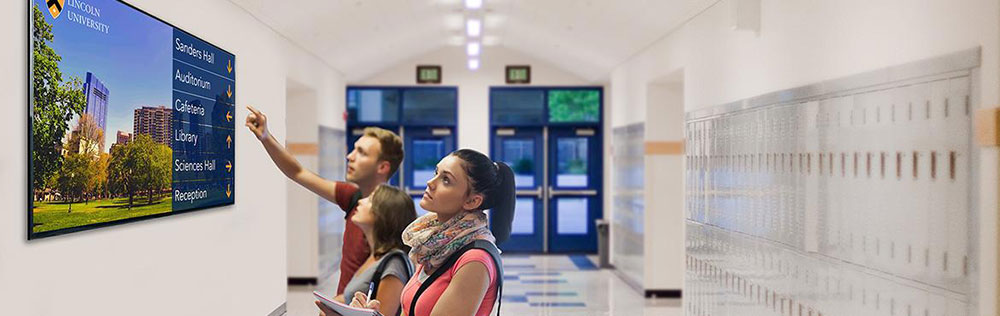
On larger campuses, faculties, laboratories, auditoriums and services may be spread across buildings and floors. Digital building directories can present departments, destinations and floor information at useful decision points. Their position should work with existing signs and circulation, not compete with them. The directory content and updates need an identified owner; access control and room-scheduling functions are separate requirements.
Publish campus information with defined boundaries
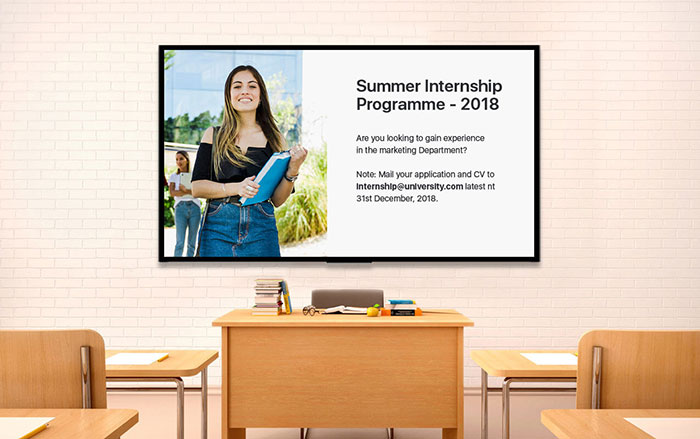
Digital signage can present institutional announcements, campus events, departmental notices, student-service information and supplied operational updates. Graduation, seminars or exhibitions may call for temporary messages in public spaces, while a service counter needs concise close-view information. Displays may present timetable, event or departmental information, while scheduling platforms and the systems supplying that data remain separate requirements unless explicitly defined. Agree who supplies and approves messages, when they change and which zones should receive them.
VISUAL REFERENCES
Real display environments

Match format to viewing distance
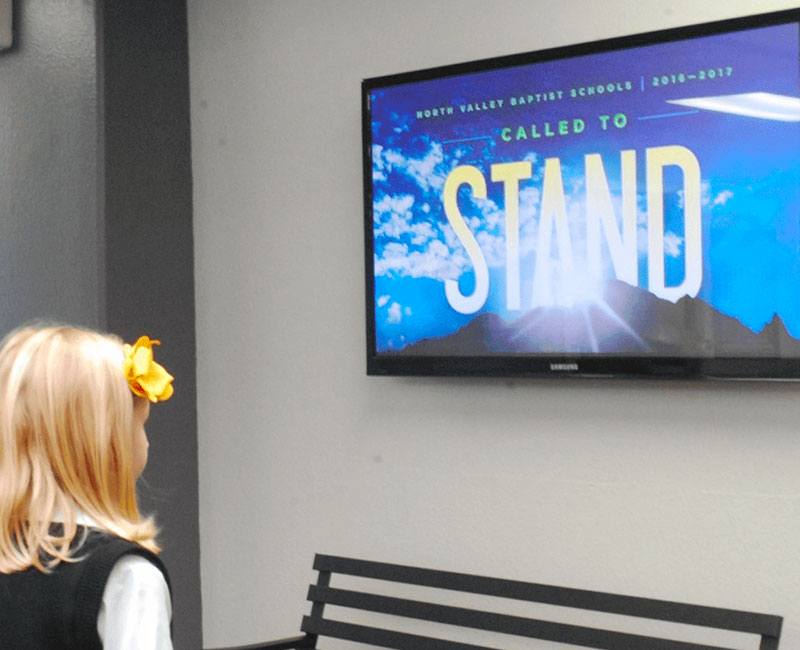
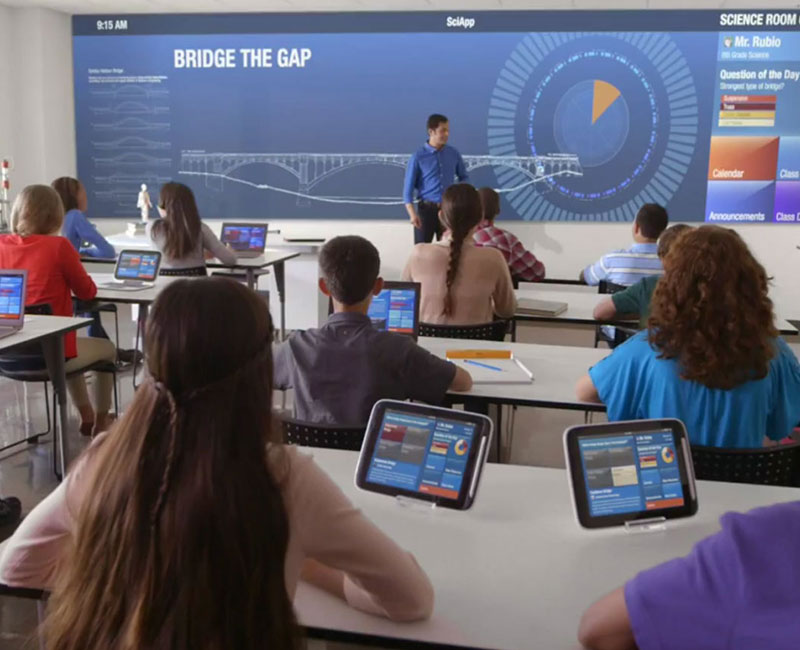
An assembly hall, auditorium, student commons or large entrance may justify indoor LED displays when content must be seen across the space. Judge pixel pitch, scale, ambient light and content detail from actual viewing positions. A corridor, departmental area, library desk or service counter may be better served by a smaller commercial display. LED is not a default for every classroom or passage; the format follows the information role.
Design for readable information
Campus audiences include students, staff, parents, visitors and event attendees with different familiarity with the site. Test letter size, contrast and information density at the intended viewing distance. Daylight, reflections and mounting height alter legibility. A directory clear at arm's length may fail across a lobby; a large event image may not carry detailed instructions. Review sightlines before fixing positions.
Keep standards useful across buildings
An institution with several buildings or campuses can define common information priorities and visual standards for recurring display roles. That does not make every installation identical. Entrance dimensions, existing signs, mounting surfaces, light levels, local content and maintenance access vary. Agree what remains consistent, then assess each location without presuming a centralized software platform.
Plan work around academic operations
Installation in an occupied school or university may intersect with classes, examinations, events and busy circulation areas. Holidays, university breaks, weekends or refurbishment periods may offer work windows, but availability must be confirmed. Supporting structure, wall or ceiling mounting, power and signal paths, equipment locations, ventilation, cable routing and service access need coordination before delivery. Non-standard support or installation conditions may warrant an engineered display solution. Sequence work around agreed access and safety constraints; do not assume the site can remain unaffected.
NEXT STEP
Discuss your campus
Share the institution and building types, number of locations, proposed display zones and information to present. Site plans or photos, approximate screen dimensions, viewing distances, mounting conditions, academic-calendar constraints and access requirements help us assess a practical display scope.
Talk to Spectracolor →