
LOBBY SIGNAGE
Lobby signage that makes every arrival feel intentional
The lobby is often the first place a visitor meets a company, hotel, residence, hospital, university or showroom. A display can welcome people, identify the destination and carry approved information without turning the entrance into a wall of competing messages. Spectracolor plans the display around the audience, viewing distance, ambient light and interior finishes.
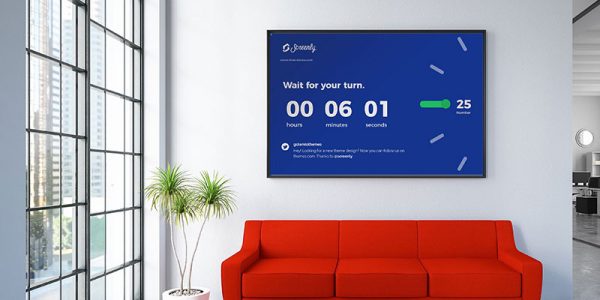
Make the first few minutes clear
Establish the place
Use a display to present the organisation name, a welcome message, a current event or a simple statement of what visitors can expect. The screen should support the architecture and reception team rather than compete with them.
Guide without clutter
Reception areas may need general directions, meeting-room information, visitor guidance or service notices. Keep the hierarchy simple and make the next useful action easy to understand. A screen can present supplied information, but it does not replace a building operator's directory, visitor-management process or security procedure.
Share the messages that belong in the lobby
Announcements, opening hours, event information, meeting directions and approved brand content can all have a place at reception. Decide which messages are public, who approves them and when they should be removed so that the display remains useful throughout the day.
VISUAL REFERENCES
Real display environments
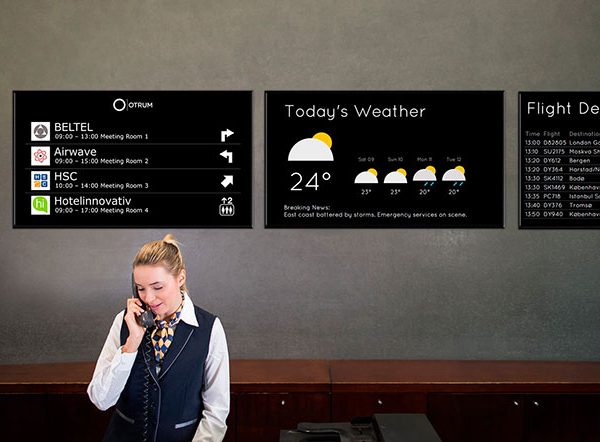
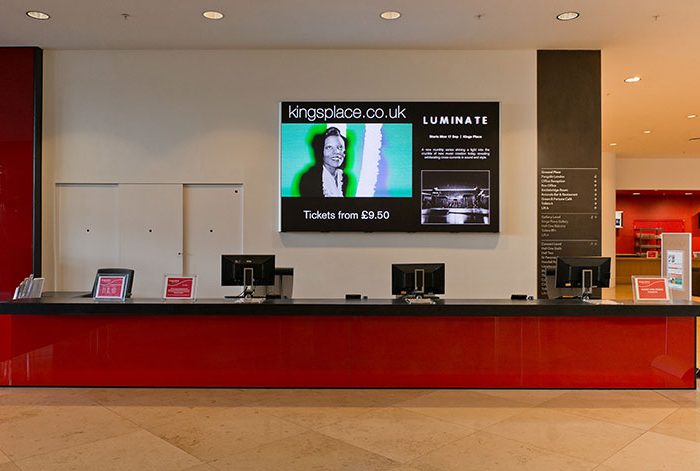
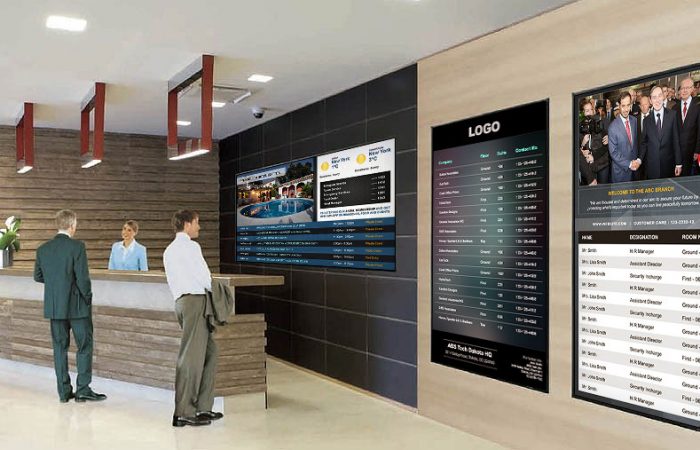
Match the display to the room
Close-view reception walls and larger arrival spaces have different requirements. An indoor LED display may suit a feature wall or premium lobby where image quality and a larger continuous visual surface are appropriate. A commercial display may be more appropriate for a smaller reception desk or a notice position. Compare viewing distance, letter size, contrast, brightness, reflections, mounting height and the amount of content before selecting a format. The goal is readable information and a comfortable visual presence, not maximum brightness or motion.
Connect arrival information to the building
Where visitors need tenants, departments, floors or shared destinations, a digital building directory can present an organised set of locations. Keep the directory role clear: the screen displays information supplied by the operator, while listings, permissions, booking tools and visitor workflows remain separate requirements unless they are specifically defined. In a small lobby, a simple destination panel may be enough; in a larger building, the display role should be coordinated with the wider orientation plan.
Keep lobby content useful and governed
Lobby digital signage can carry welcome messages, service notices, event information, meeting directions and selected brand content. Different areas may need different messages, so do not assume that a reception announcement belongs on every screen in the building. Personal visitor details, access information and other sensitive content should not be treated as suitable for an open public display. The screen presents approved content; scheduling, room booking, visitor management, access control and other source systems remain separate unless the project brief explicitly includes them.
Plan the installation behind the screen
Finished walls, stone, glass, furniture and decorative interiors affect mounting and service access. An engineered display solution can help coordinate support, power, cable routes, ventilation, controller locations and maintenance access before the final position is fixed. For an occupied workplace, hotel, residence or public building, plan delivery routes, work-area separation, quiet periods and installation sequencing with the operator and contractor. Do not assume that every lobby can be cleared or that a feature wall can carry equipment without a site review.
A practical process for reception displays
Start with the audience, the messages and the places where people pause. Review drawings or photos, dimensions, viewing distances, ambient light, operating hours, mounting conditions and maintenance access. Then define the display role, content boundaries, hardware, installation interfaces and handover requirements. Third-party visitor, booking, security or content-management systems remain separate project requirements unless explicitly included.
NEXT STEP
Discuss your lobby
Share the building type, reception layout, proposed display locations, intended messages, dimensions, photos or drawings, viewing distances, operating hours and access constraints. This helps determine whether the lobby needs a feature display, directory, smaller information screen or combination of roles.
Talk to Spectracolor →